
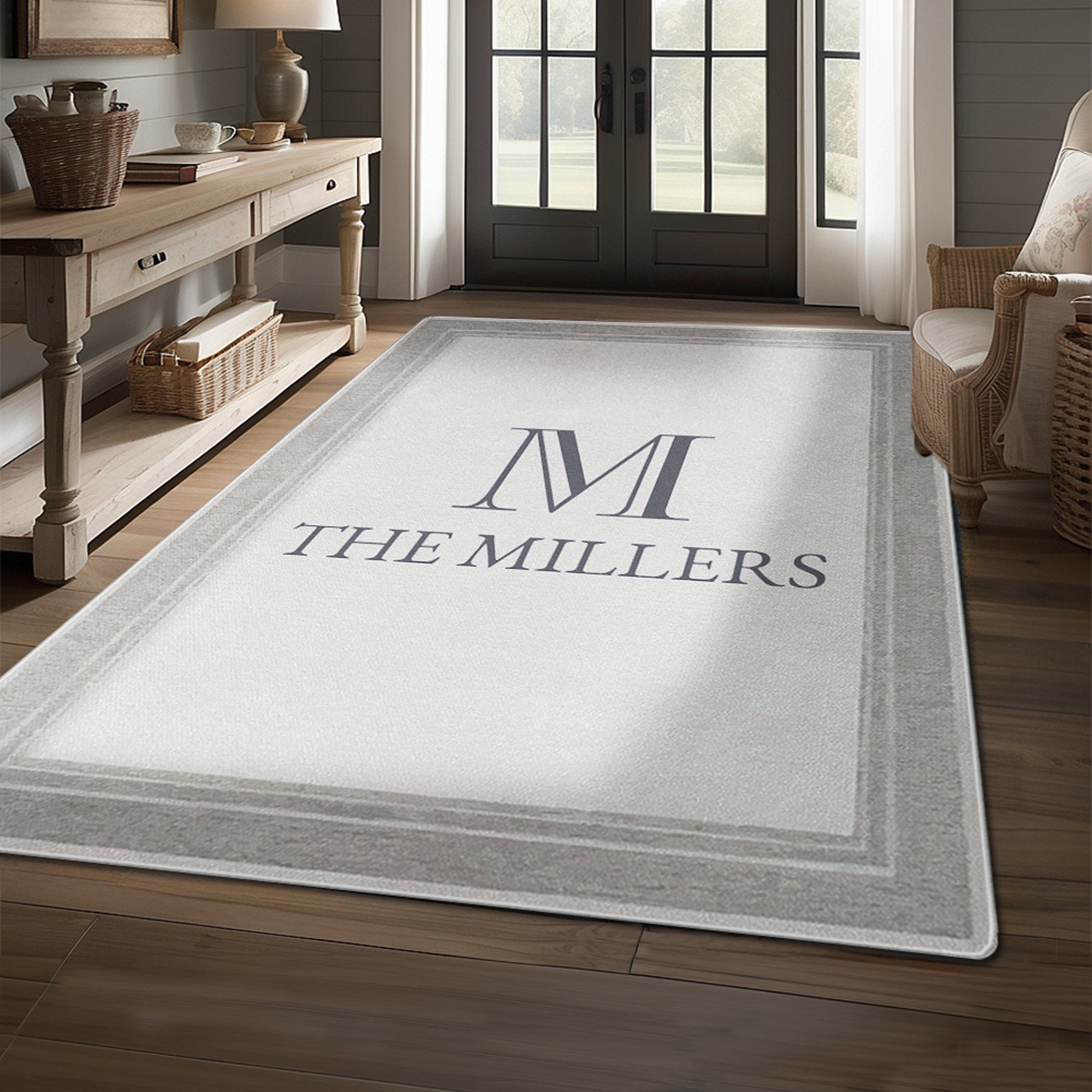
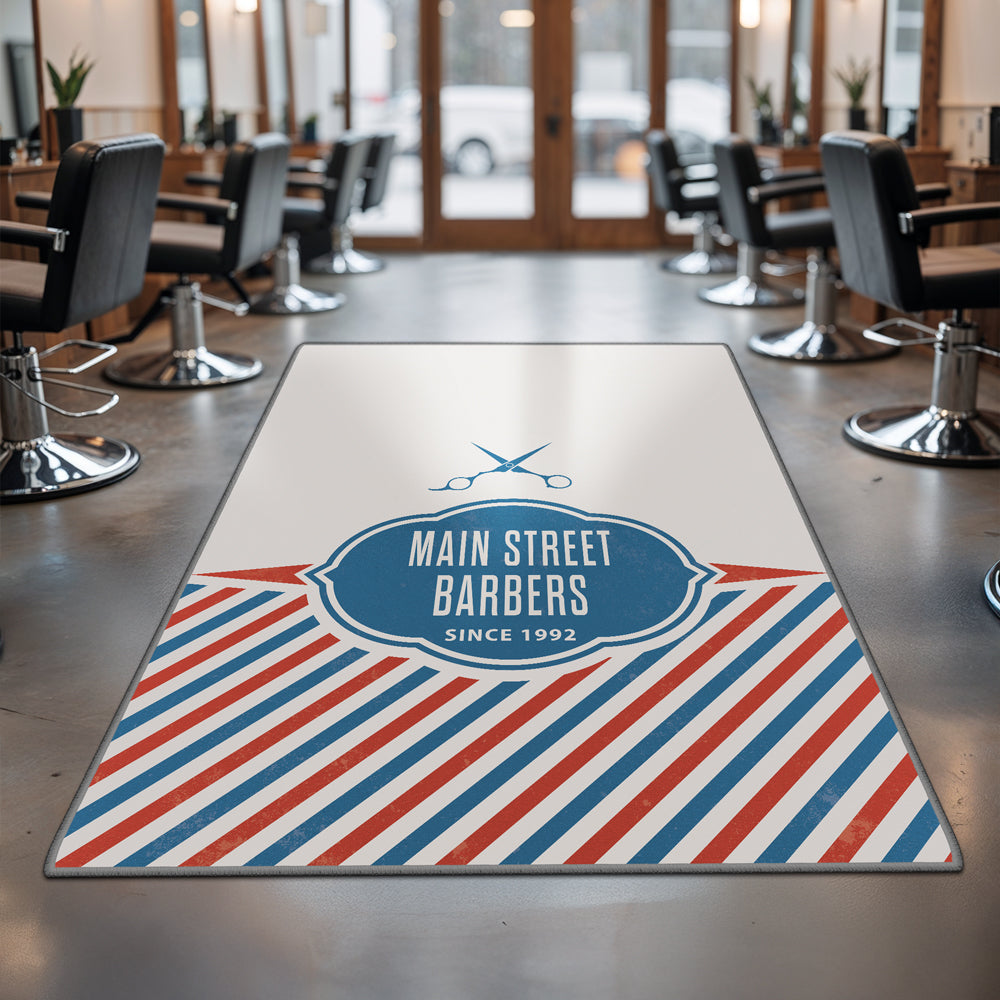




How Do I Order a Custom Logo Rug?
Designing your logo rug takes just a few minutes:
- Choose your shape and size. Pick Area, Runner, Square or Round, then your size and orientation (vertical or horizontal).
- Upload your logo. PNG, JPG, SVG, WEBP or HEIC. A high-resolution file gives the best result.
- Pick your colors. Choose your rug color, logo color and binding (edge) color. You’ll see every change in the live preview.
- Add to cart. Choose your quantity and check your design once more before checkout.
Prefer we design it? Choose “Design it for me” and we’ll send you a free proof within 1 business day.
All rugs are made to order and can’t be changed once production starts, so please double-check your logo and options before ordering.

