




Your custom logo rug can only look as sharp as the file you upload. The good news: you don't need a designer or special software. A few minutes of checking your logo file makes the difference between a crisp, professional rug and a blurry one.
In short
Upload a PNG with a transparent background or an SVG, at least 2000 pixels wide. Avoid screenshots and small images copied from your website or social media. Not sure your file is good enough? Choose "Design it for me" and our team sends you a free proof within 1 business day.
Which File Types Can You Upload?
Our logo rug builder accepts PNG, JPG, SVG, WEBP and HEIC. They're not all equal, though:
| File type | How good for a rug | Why |
|---|---|---|
| SVG | Best | A vector file stays sharp at any size, from a 3' round to a 5' x 10' rug. |
| PNG (transparent) | Great | Clean edges and no white box behind your logo, if it's large enough. |
| JPG | OK | Always has a background, and compression can blur fine lines and text. |
| WEBP / HEIC | OK | Fine for photos of a logo, but usually smaller and less sharp than the original file. |
Have your logo as a PDF, AI or EPS file from a designer? Those are great sources. Export or save it as an SVG or a large PNG before uploading, or send it to us with "Design it for me".

How Big Should Your Logo File Be?
A rug is much bigger than a business card, so your file needs enough pixels to stay sharp. As a rule of thumb:
- At least 2000 pixels wide for most rugs.
- 3000 pixels or more for the largest sizes, like 5' x 8' to 5' x 10'.
- Any size works for SVG, because vector files have no pixels to stretch.
How to check: on a computer, right-click the file and choose Get Info (Mac) or Properties → Details (Windows) to see its width in pixels. On an iPhone, open the photo and swipe up.
Where to Find Your Best Logo File
- Your designer or brand folder: look for files named "logo.svg", "logo-transparent.png" or a brand kit.
- Your printer: whoever printed your business cards or signs usually has a high-quality version.
- Your website builder or design tool: Shopify, Squarespace, Wix, Canva and similar tools often let you download the original logo you uploaded.
Avoid: screenshots, logos saved from Instagram or Facebook (they're compressed and small), and images copied from a web page.
Common Problems and Easy Fixes
| Problem | Fix |
|---|---|
| A white box shows around your logo | Use a PNG with a transparent background, or ask us to remove the background with "Design it for me". |
| The logo looks blurry in the preview | Your file is too small. Find a larger version or an SVG. |
| Tiny text is hard to read | Use a simpler version of your logo without the tagline, or choose a larger rug. |
| Your logo disappears on the rug color | Pick a rug color with more contrast, or use a light (or dark) version of your logo. |
| Brand colors look slightly off | Have your brand color codes (like #1F3A5F) ready. You can request a custom rug color on solid logo rugs. |

Simple Logos Look Best on a Rug
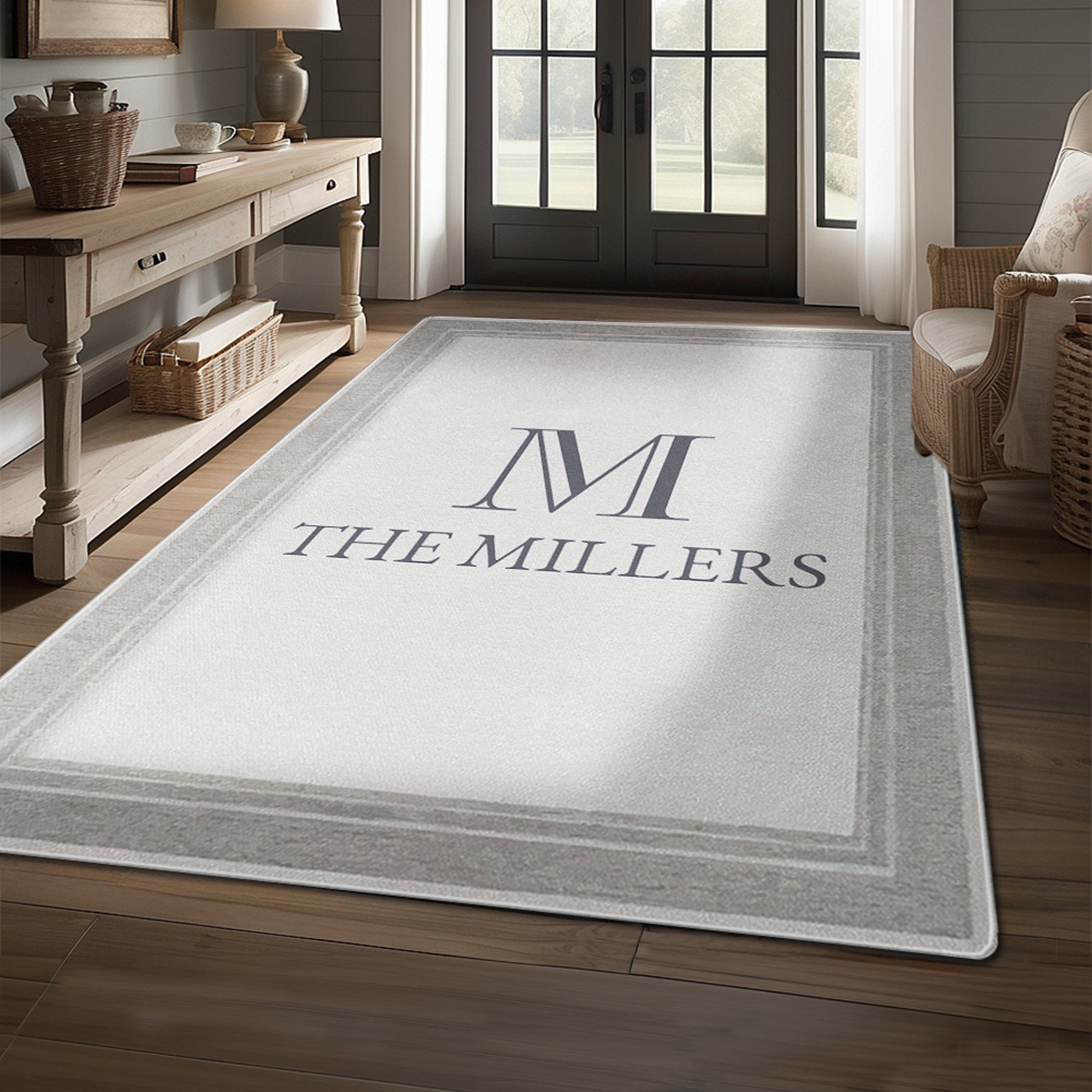
Rugs have a soft, low-pile surface, so bold shapes and clear text look best. If your brand has a full logo and a simpler icon or wordmark, the simpler one often makes the stronger rug. Bordered logo rugs work especially well with simple logos, because the border frames them. See our bordered logo rugs.
Preview Before You Order
Once your file is ready, upload it in the logo rug builder. You'll see your rug in a live preview while you choose the shape, size, rug color and logo color. If it looks right on screen, it'll look right at your door.
Rather not do it yourself? Choose "Design it for me", send us whatever file you have, and our team will send a free proof within 1 business day. Wondering about price first? Read How Much Does a Custom Logo Rug Cost?, or follow the steps in How Do I Order a Custom Logo Rug?
Frequently Asked Questions
What is the best file format for a logo rug?
SVG, because it stays sharp at any size. A large PNG with a transparent background is a great second choice.
What resolution does my logo need?
At least 2000 pixels wide for most rugs, and 3000 pixels or more for the largest sizes. SVG files can be any size.
Can I upload a JPG logo?
Yes. JPG files work, but they always have a background and can look soft. Use a PNG or SVG if you have one.
My logo has a white background. Will it show on the rug?
If the file has a white background, it can show as a white box. Upload a transparent PNG, or choose "Design it for me" and we'll prepare it.
What if I only have a low-quality logo?
Send it with "Design it for me". Our team will check it and send you a free proof within 1 business day.

